
How to View Supplementary Information in Reader
If an article has supplemental files available, you’ll see a number in the top-left menu bar indicating the total number of available files. Follow these steps to access them:
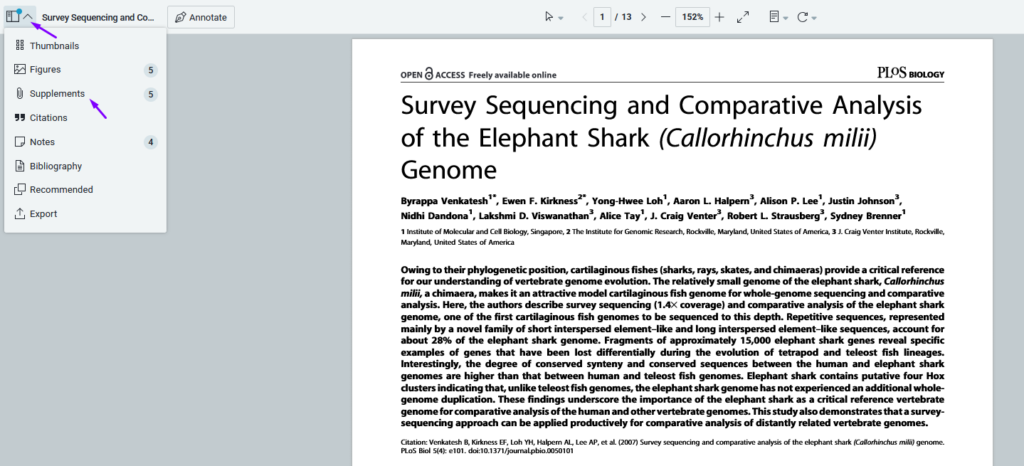
- Open the Supplemental Files Panel
- Click the icon to view a panel listing all available supplemental files.
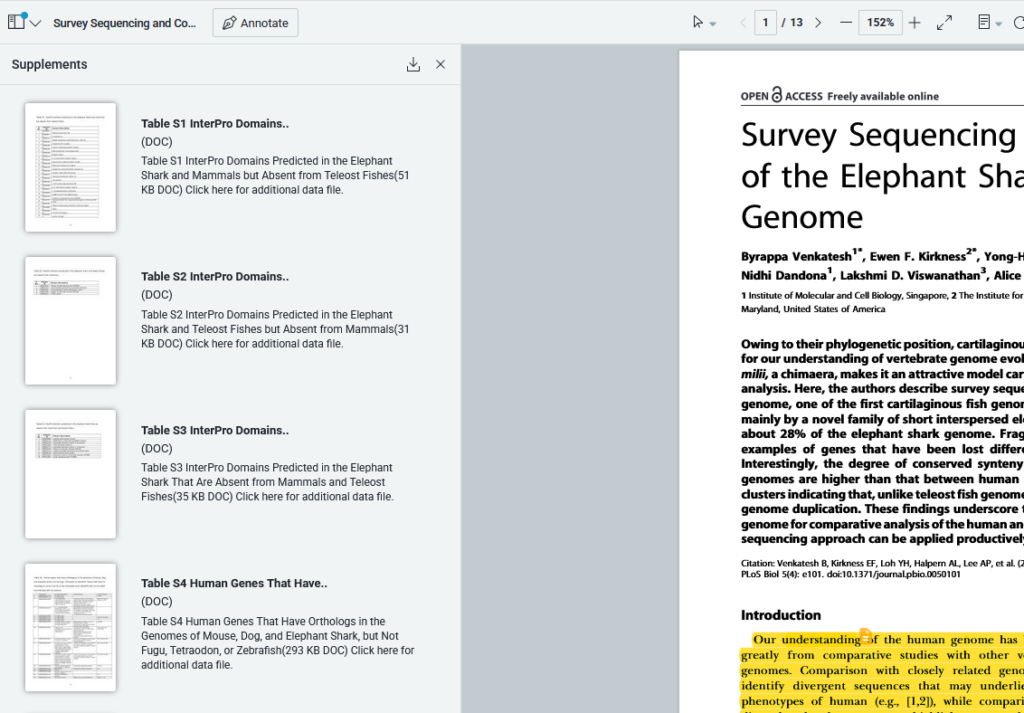
- Access the Files
- Click on any file in the panel to open it directly in the Reader.
This feature makes it easy to review and manage additional research materials included with your articles.
Updated on February 9, 2026


